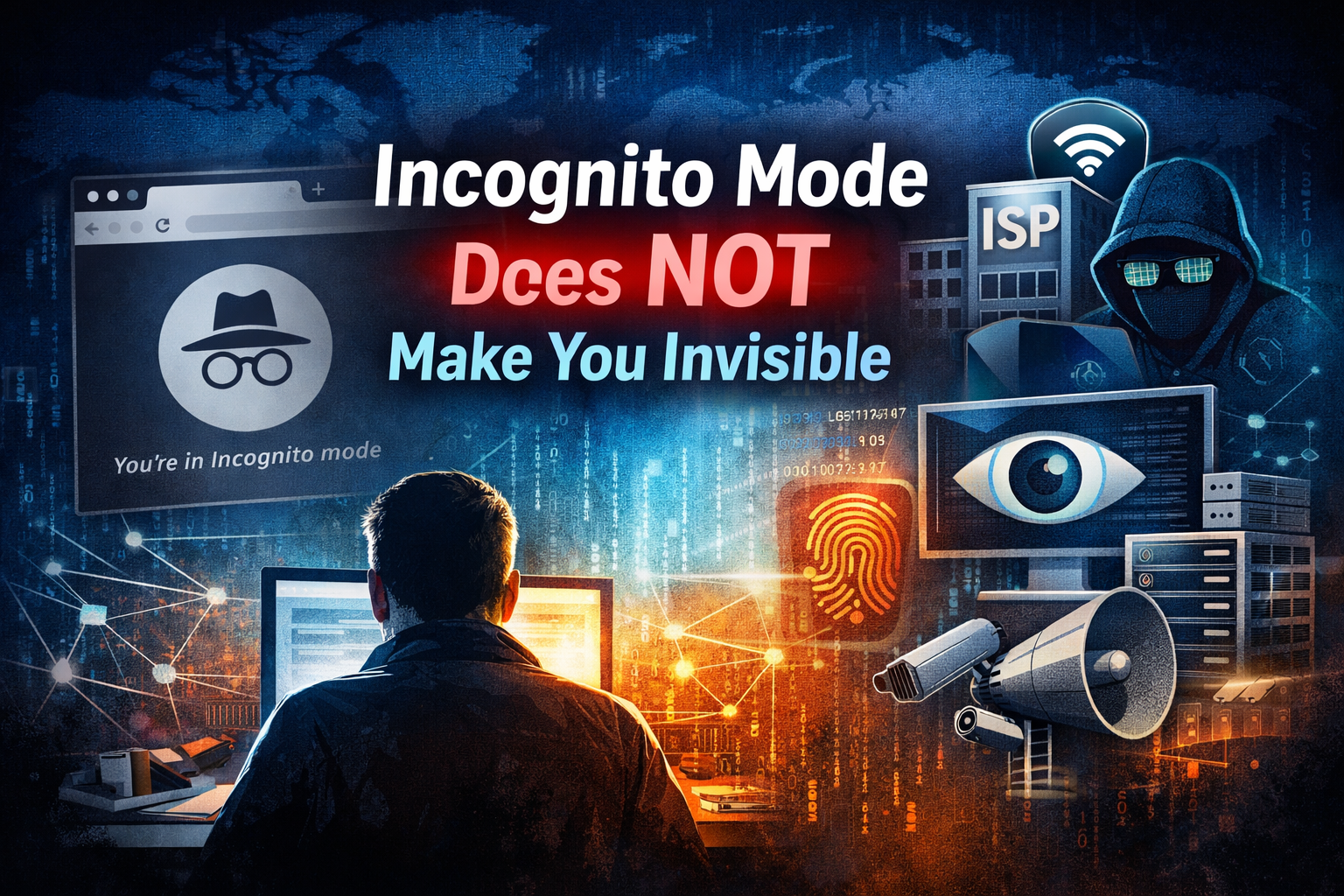
Incognito Mode Does Not Make You Invisible: The Privacy Myth Explained
Many internet users believe that switching to Incognito or Private Browsing mode makes them invisible online. This assumption is widespread—and wrong. Incognito mode offers limited local privacy, not true anonymity. Understanding what it does and does not do is essential in today’s data-driven internet.
What Incognito Mode Actually Does
Incognito mode primarily affects your local device, not the wider internet. When enabled, your browser:
- Does not save browsing history on the device
- Does not store cookies after the session ends
- Does not retain form data or search history locally
This is useful on shared computers or public devices, but its protection stops there.
Who Can Still See Your Activity
Even in Incognito mode, multiple entities can still track or observe your online behavior:
Internet Service Providers (ISP)
Your ISP can see the websites you visit, when you visit them, and how long you stay. Incognito mode does not encrypt traffic or hide destinations from ISPs.
Employers and Schools
If you are using a work or school network, administrators can monitor traffic through network logs, firewalls, and monitoring tools—Incognito mode does not override these systems.
Websites and Platforms
Websites still see your IP address, browser type, device details, and behavior patterns. Logging into an account instantly links activity back to you.
Advertisers and Trackers
Many trackers rely on IP addresses, browser fingerprinting, and cross-site techniques. Incognito mode reduces some cookies but does not eliminate tracking.
Common Misconceptions About Incognito Mode
- Myth: Incognito hides you from the government
Reality: Law enforcement can still request data from ISPs and platforms. - Myth: Incognito blocks all tracking
Reality: It only limits local cookie storage. - Myth: Incognito equals anonymity
Reality: True anonymity requires additional tools and practices.
What You Need for Real Online Privacy
If privacy is your goal, Incognito mode is not enough. More effective measures include:
- Using a reputable VPN to mask IP addresses
- Enabling HTTPS and secure DNS
- Privacy-focused browsers and extensions
- Understanding platform data policies
- Avoiding unnecessary logins and permissions
Each tool addresses a different layer of tracking; no single solution guarantees full privacy.
Why This Myth Persists
Browser labels like Incognito or Private Browsing create a false sense of security. The feature name focuses on what it hides locally, not what it exposes globally. This gap between perception and reality is why the myth continues.
Final Takeaway
Incognito mode protects your browsing history from other users of your device—not from the internet itself. Your activity is still visible to ISPs, networks, websites, and sophisticated trackers. Privacy begins with awareness, not browser modes.